
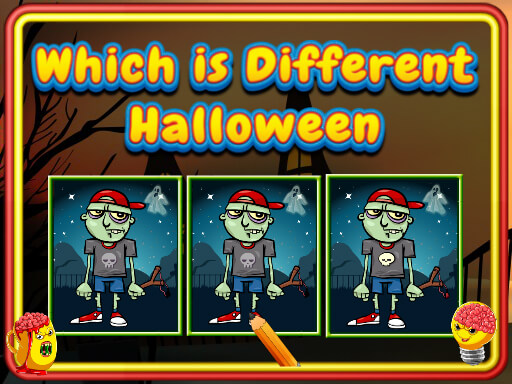
Which Is Different Halloween cover art

halloween

Which Is Different Halloween

Study a row of Halloween pictures and pick the one that does not match the others.

EasyBrowser · no downloadVisual comparisonOdd-one-out puzzles

Game overview

Click on a image which is different from others.

Best suited to younger players and quick observation practice.

How to play Which Is Different Halloween

  1. Compare the images for a change in shape, color, direction, or detail.
  2. Select the odd picture to move on to the next challenge.

Controls

Mouse / touch
Choose the picture that is different

Objectives and failure conditions

Objectives

  • Identify the unique image in each set.

The run ends when

  • Choosing a matching image counts as an incorrect answer.

Gameplay mechanics

  • Visual comparison
  • Odd-one-out puzzles

Device compatibility

Desktop

Supported

Playable in current desktop web browsers.
Mobile

Supported

Playable on current mobile browsers with touch controls.

Tablet

Supported

Playable on current tablet browsers with touch controls.

Tips for Which Is Different Halloween

  • Compare one feature at a time instead of scanning the whole image.
  • Check orientation and small accessories when the colors all match.

What worked and what did not

Pros

  • Rounds are quick and easy to understand.

Cons

  • The very simple rule may feel repetitive in a long session.

Player comments

No published comments yet. Be the first.